GlowQR2-Support
GlowQR – Support
Welcome to the GlowQR Support page. If you’re experiencing an issue, have questions about features, or want to request something new, this page will help guide you.
📬 Contact Support
If you need help with GlowQR, you can reach me at:
Email: jonwr.94@gmail.com
I usually respond within 24–48 hours.
🛠 Frequently Asked Questions
- My QR codes are saving, but I can’t find them.
All created and scanned QR codes appear under the Saved Codes screen. Tap the clock-arrow icon on the top right of the Home screen.
- How do I unlock GlowQR Pro?
Go to: Settings → GlowQR Pro —or tap any Pro theme or Pro feature and follow the upgrade prompt.
Pro unlocks:
No ads
No watermark
All Pro themes
High-resolution exports
Future premium features
This is a one-time purchase (no subscription).
- I purchased Pro but the app didn’t unlock.
Try:
Closing and reopening the app
Going to the Paywall screen → tap Restore Purchases
If you still have issues, email me with:
Your Apple ID region (Canada, US, etc.)
The device you’re using
- The QR scanner isn’t detecting anything.
Check:
Camera permissions are granted
Lighting is adequate
The code isn’t blurry or too small
If the issue continues, send a screenshot or description.
- My camera isn’t working in the scanner.
Open Settings → Privacy → Camera and make sure GlowQR has permission.
- Ads are not showing on my device.
If you unlocked GlowQR Pro previously (even in TestFlight), ads are disabled. You can verify in the Paywall screen — it will show Pro as active.
💡 Feature Requests
I’m always improving GlowQR, and user requests help shape future updates.
Email me directly with:
The feature you want
Why you want it
Any examples or screenshots
🐞 Bug Reports
Found a bug?
Please include:
iPhone model
iOS version
What you were doing when it happened
Screenshots (if possible)
The steps to reproduce it
This makes it much easier to fix.
🔄 Restore Purchases
If you’ve already bought GlowQR Pro, you can restore your purchase:
Open the Paywall
Tap Restore Purchases
Follow the on-screen prompt
If that doesn’t work, contact me and I’ll help you get it resolved.
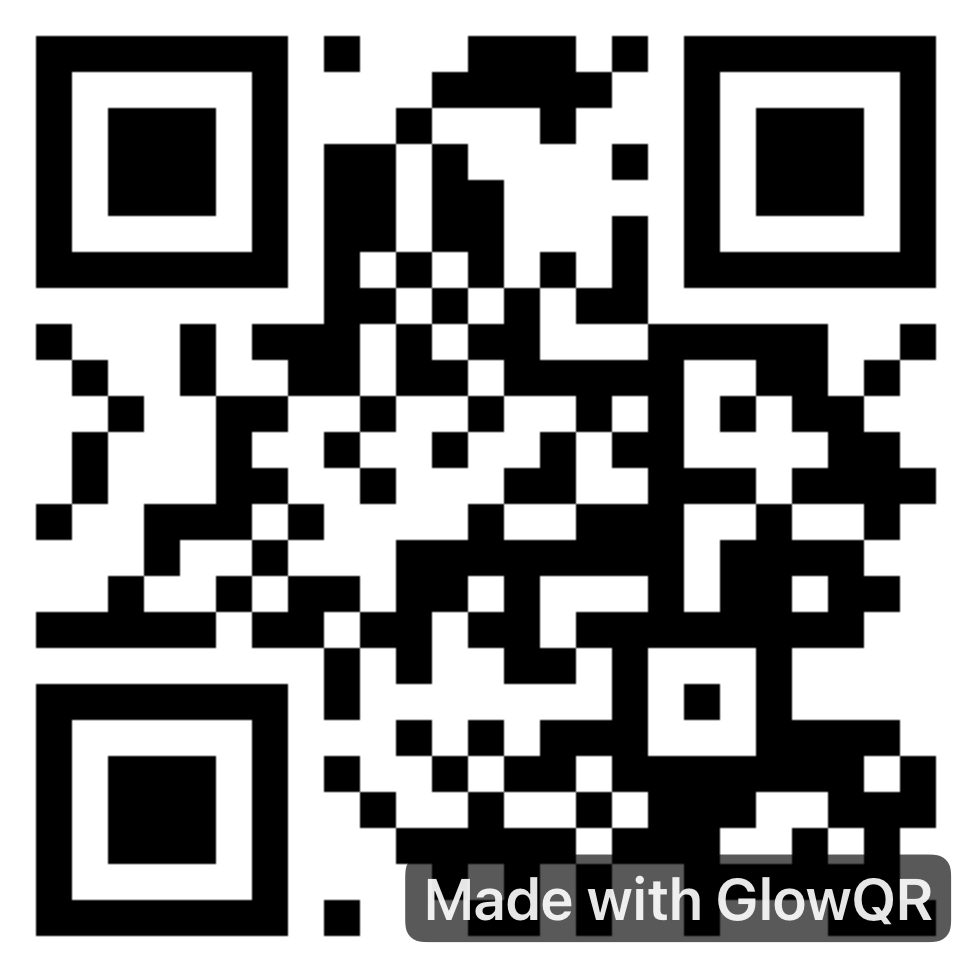
Demo QR Code for App Review
Scan this QR code to test the scanner feature: